
How to Track Your Food and Master Your Macros in Eres Fitness
A complete step-by-step guide to learning how to use the nutrition logs and track your daily calories and macronutrients on the mobile app.
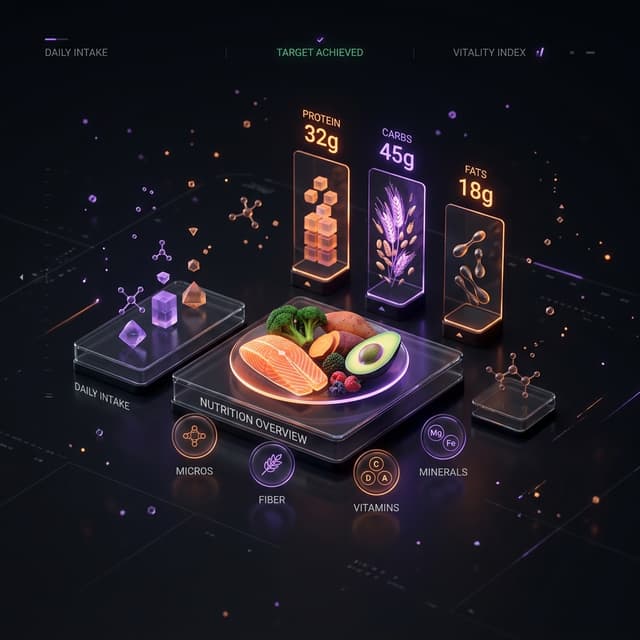
Eating healthy doesn't have to be complicated. In the Eres Fitness Woman app, we have designed a complete, easy-to-use nutrition tool so you can monitor your daily goals without a headache.
In this tutorial, we will show you step-by-step how to log your food and understand your macros.
Step 1: Access the Nutrition Section
On the main menu of the mobile app, press the Nutrition tab (marked by an apple or food icon). Here you will see your general dashboard for the day, which includes:
- Calories Consumed vs. Your Goal: An interactive circular chart.
- Macros Distribution: Three progress bars representing Protein, Carbs, and Fats.
Step 2: Log a Meal
- Tap the floating "+" button or the "Add Food" button under the appropriate meal time (Breakfast, Lunch, Dinner, or Snacks).
- Use the built-in food search engine. You can type the food name in Spanish or English (e.g., "Oats", "Chicken breast").
- Select the food from the list. You will see its nutritional information per 100 grams.
- Adjust the portion size in grams or units and press "Save".
Pro Tip: If you can't find a specific food, you can create a "Custom Food" by entering its calories and macros directly from the packaging label.
Step 3: Understand Your Macronutrients
For a successful physical transformation, the distribution of your calories is key:
- Protein: Crucial for muscle tone and recovery.
- Carbohydrates: Your main source of energy to train with high intensity.
- Fats: Vital for hormonal health and correct cellular functioning.
The app automatically adjusts your macro targets based on your profile information (weight, height, activity level, and fitness goals). Try to stay within a range of +/- 10 grams of your daily target.